

Automated phone answering for small business either books the caller in the next 30 seconds or loses them to the next result on Google. Your phone rings while you’re on a job. That’s the whole problem. If you’ve read comparisons like the Smith.ai vs Ruby receptionist breakdown or the broader ai for customer service guide, you already know the category. This article skips the definitions and goes straight to the mechanics.
Key Takeaways:
- 85% of missed calls never call back, an automated phone answering system running 24/7 eliminates that leak, not just during office hours.
- Modern AI call flows resolve booking, FAQ, and qualification calls without any human involvement; the hard cutoff is calls requiring judgment only a licensed professional can make.
- Setup requires three integration points, your calendar or booking system, a CRM or lead log, and SMS handoff, and most businesses are live in under a week with no hardware changes.
How Does Automated Phone Answering Actually Work, End to End?
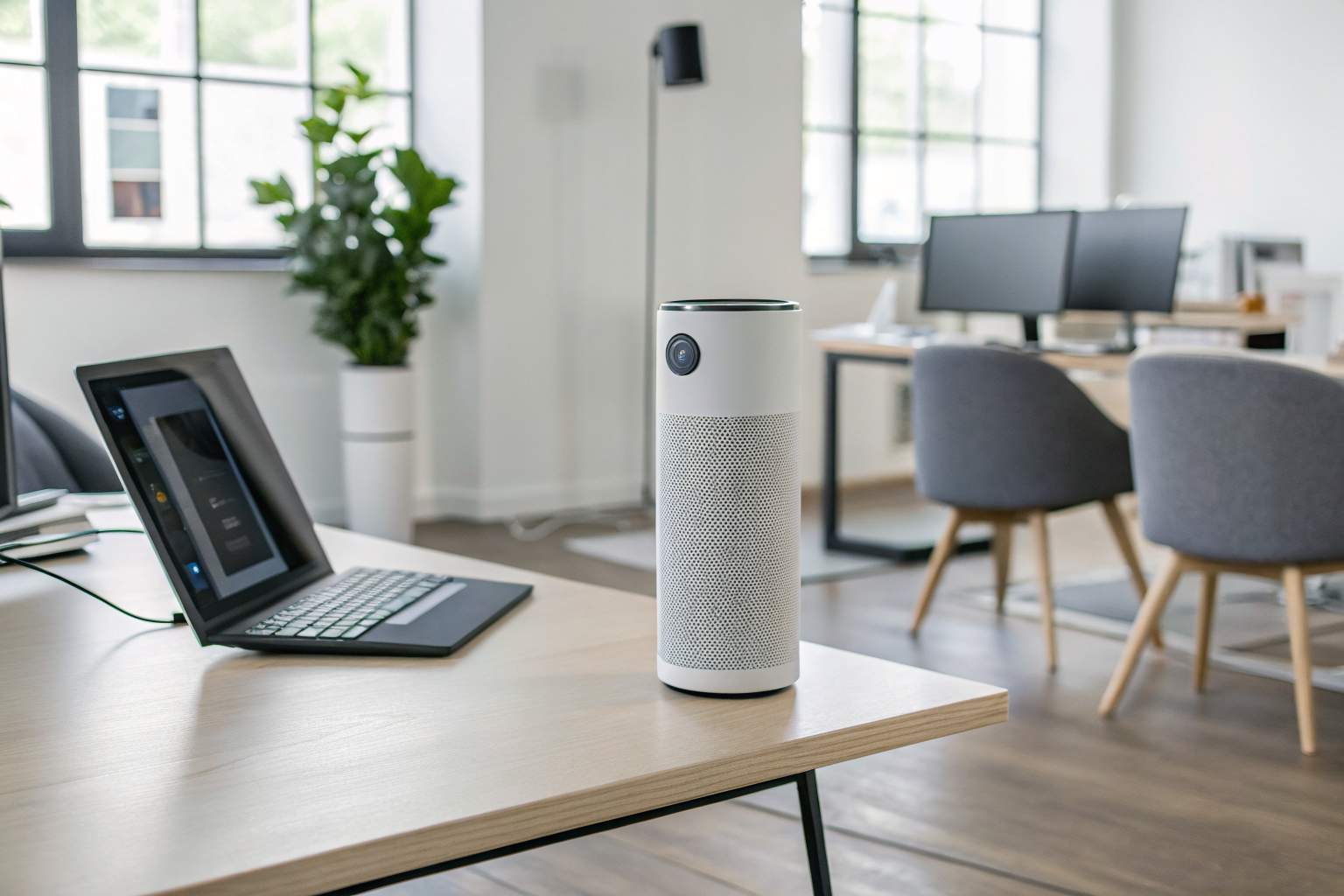
An autonomous call-handling workflow processes inbound calls through a defined sequence of speech recognition, intent classification, and action execution. That sentence is the whole mechanism. Here’s what it looks like from the moment your phone rings.
- Call answered in under 2 seconds. The AI receptionist picks up on the first ring, no hold music, no voicemail delay. Industry pattern across AI call systems puts answer time consistently under 2 seconds.
- Caller speaks naturally. Speech recognition converts the caller’s words to text in real time. The caller says “I need to book a pool cleaning for next Thursday”, not “press 1 for scheduling.”
- Intent classification identifies what the caller needs. The system reads the transcribed input and matches it to a category: book an appointment, ask a question, get business hours, or reach a specific person. This is where the AI diverges from a phone tree, the caller never navigates a menu.
- Action execution runs immediately. For a booking call, the AI checks your calendar for real availability and confirms a slot inside the same conversation. For an FAQ call, it pulls the answer and delivers it. For an escalation, it routes the call to a voicemail, a live transfer, or an SMS follow-up depending on how you configured it.
- SMS handoff closes the loop. After the call ends, the autonomous call-handling workflow fires an SMS confirmation to the caller, booking details, callback confirmation, or a message that someone will follow up. The caller has a record. You have a lead log entry.
One thing worth noting: the AI does not require the caller to speak in any particular format. If someone says “uh, yeah, I was wondering if you guys do gutters” instead of stating a clean intent, the system recovers. That recovery behavior is what separates this from anything built in the IVR era.
Success at this stage looks like this: the caller reached someone, got an answer or a booked slot, and hung up without ever waiting on hold or pressing a number.
Old Phone Trees vs. Modern AI Call Flows: What Actually Changed?
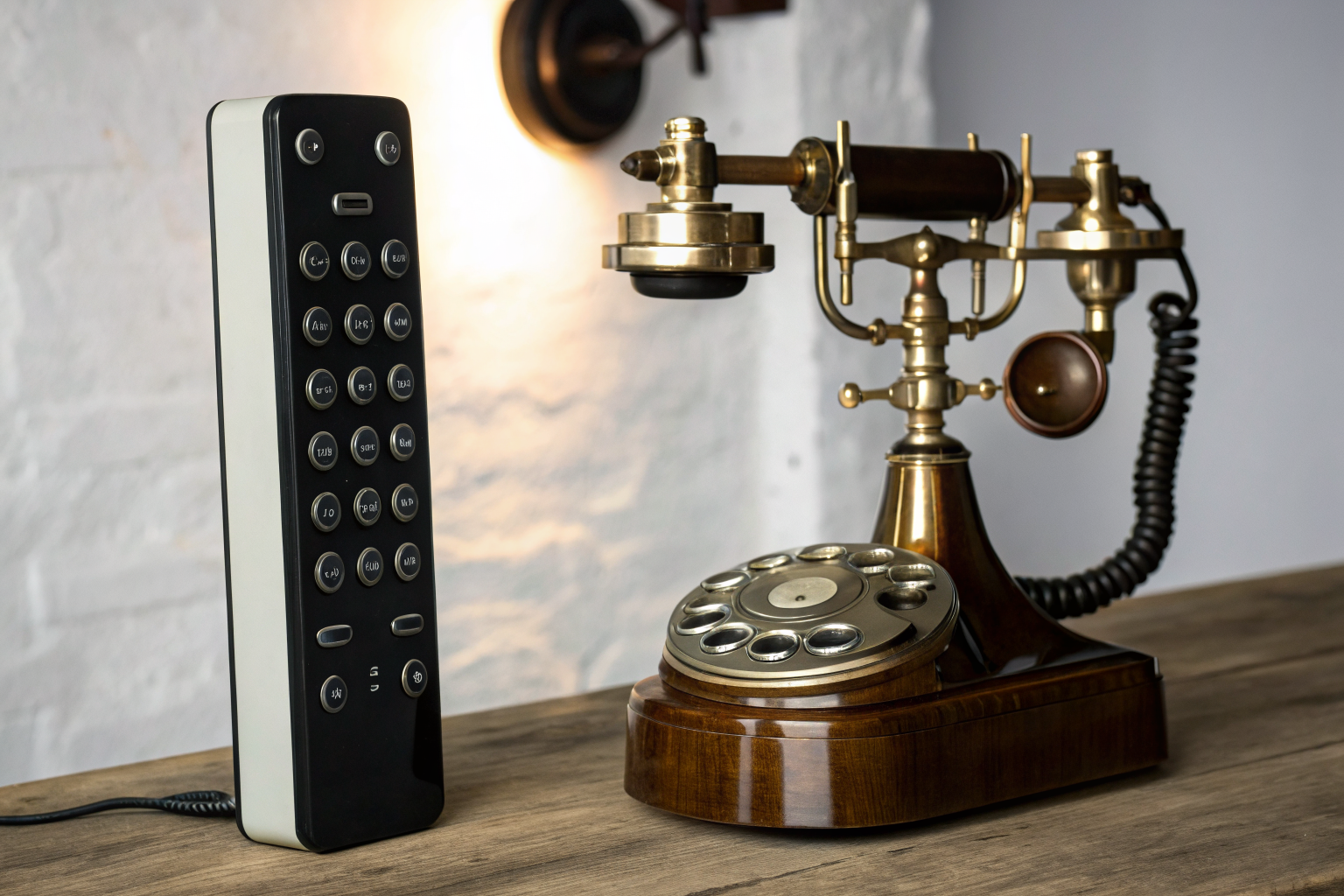
IVR phone trees force callers into rigid numbered menus. AI call flows understand natural spoken language and respond to it. That gap is not incremental, it’s categorical, and it’s why owners who remember the frustrating phone-tree era need to see the contrast spelled out before they trust any system marketed as “automated.”
IVR abandonment rates run significantly higher than with an AI receptionist that answers naturally. Callers hang up on rigid menus at a far higher rate than on natural-language systems, but the directional pattern is consistent across published studies.
| Feature | IVR Phone Tree | AI Call Flow |
|---|---|---|
| How the caller interacts | Keypad presses; must match menu options | Natural speech; says what they need in their own words |
| What happens when caller goes off-script | Dead end or loop back to main menu | System recovers, asks a clarifying question, or escalates cleanly |
| Can it book an appointment without a human? | No, routes to staff or voicemail | Yes, checks real calendar availability and confirms the slot in-call |
| Wait time experience | Hold music or ring queue before anyone responds | Answered in under 2 seconds, conversation starts immediately |
| After-hours call handling | Voicemail or recorded message only | AI answering service handles full call: books, answers FAQ, captures lead |
The AI receptionist software running modern call flows is not a faster phone tree. The underlying mechanism is different. An IVR maps keypad inputs to pre-recorded branches. An AI call flow parses meaning from speech, selects an action, executes it, and adapts if the conversation shifts. When you switched from an answering service to AI, this is the capability gap you gained, and vendor evaluation criteria need to test for this specifically, not just “does it answer the phone.”
For the skeptical owner: the test is simple. Call a system and go off-script. Say something the menu doesn’t anticipate. Watch what it does. An IVR breaks. A real AI call flow recovers.
What Call Types Can AI Fully Handle, and Where Does It Hand Off?
The AI answering service fully resolves appointment booking, FAQ, hours, directions, and basic qualification calls without any human involvement. It does not resolve everything, and anyone telling you otherwise is selling you something. Here is the honest breakdown.
Calls the AI handles start to finish:
- Appointment scheduling. The AI checks your live calendar, offers available slots, and confirms the booking, the caller hangs up with a confirmed appointment.
- Business hours, location, and directions. High-volume, zero-complexity calls that eat front-desk time. The AI answers them in seconds.
- Service FAQ. What do you charge? Do you service my area? How long does it take? These are repeatable questions with repeatable answers, ideal for AI handling.
- Callback request capture. Caller can’t talk right now? The AI logs their name, number, and reason and routes it to you as a transcribed message.
- Lead qualification by service type and geography. The autonomous call-handling workflow asks qualifying questions (what service, what zip code, what’s the timeline) and logs the answers before escalating or confirming a booking.
- After-hours intake. The calls that used to die in voicemail now get answered, qualified, and either booked or logged for morning follow-up.
Calls that must escalate to a human:
- Medical triage or legal advice, anything requiring a licensed professional’s judgment. AI receptionist for law firms, for example, captures intake details, but the attorney makes the assessment.
- Emotionally distressed callers. A caller who is upset or in crisis needs a human voice. The AI should escalate fast, not attempt to resolve.
- Complaints requiring account-level context or a judgment call. If the answer depends on a customer’s history the AI isn’t connected to, route it.
- Any call requiring access to systems the AI isn’t integrated with.
Now, the objection that shows up in every honest conversation about this: “Anyone else hang up when the receptionist is AI?” (r/sales, 164 upvotes). The fix is not pretending the AI is human. The fix is a fast, clean escalation path. 67% of customers hang up if they don’t get immediate assistance, the AI’s value is speed-to-answer on the resolvable calls. When a call needs a human, the handoff has to be immediate and transparent. That is what separates a well-configured system from a frustrating one.
Setup and Integration: What Systems Does Automated Call Handling Actually Connect To?

Integration is the AI connecting to your existing software so it can take real actions, not just have conversations. This means the AI checks actual calendar availability, not a fake open slot. It logs caller data to a real CRM or lead sheet. It fires a real SMS to the caller after the call ends. Without these connections, automated phone answering for small business is a talking FAQ page.
Three integration points make the system functional:
Calendar integration is the AI receptionist software connecting to your scheduling tool, whatever you use to manage appointments. This means the system checks real availability and books real slots. The caller confirms a time during the call. No double-booking, no follow-up call to confirm.
CRM or lead log integration means every caller’s name, number, intent, and qualification answers land somewhere you can act on them. For businesses without a formal CRM, this can be as low-friction as a connected spreadsheet. The point is that no lead disappears.
SMS handoff is the automated text that fires after the call, booking confirmation to the caller, alert to the owner, or follow-up message for a caller who asked for a callback. A business text message service handles this channel separately from the voice call, and the two work together.
What does NOT require integration to get started: no hardware, no new phone number. The AI answers calls forwarded from your existing business line. You keep the same number your customers already have. That’s the part most owners don’t expect, there is nothing to install on-site.
Setup timeline is typically under a week for a standard deployment. Actually, this depends on how many calendar systems and custom call scripts are involved, a business with one calendar and straightforward call types goes live faster than one with multiple service lines.
Is Automated Phone Answering the Right Fit for Your Business, or Isn’t It?

Automated phone answering fits best when inbound call volume is high, call types are repeatable, and staff physically cannot answer the phone during work hours. Those three conditions together describe the majority of small businesses in the trades and front-desk verticals. They don’t describe every business.
Right fit: You’re a field-service owner on a ladder or under a sink when the phone rings. You run a salon, med-spa, or chiro office where your front desk is with a patient or a client when a new caller comes in. You get after-hours calls that go to voicemail and disappear. Your calls are mostly booking, FAQ, and location questions, repeatable every single day. 92% of customer interactions happen over the phone, which means businesses handling high inbound call volume get the fixed monthly cost back fast.
Wrong fit: Almost every call you receive is a complex, unique inquiry that requires a specialist on the first touch. Some legal specialties fall here, not intake calls (an AI receptionist for law firms handles those well), but practices where every initial call is a substantive consultation. Medical triage lines fall here. Businesses receiving fewer than a handful of calls per week also don’t close the ROI math, the volume isn’t there to justify the cost.
The honest vendor evaluation question to ask yourself: what percentage of your inbound calls are booking, FAQ, or basic qualification? If the answer is above 60%, automated phone answering covers the majority of your call volume and your staff handles the rest. If the answer is below 20%, you’re solving a different problem.
For businesses weighing this against continuing with a human answering service, the AI answering service comparison is the right next read. For businesses ready to evaluate specific providers, run through the ai automation vendor evaluation criteria before you commit.
The fastest evaluation you can do right now takes 30 seconds. Call (888) 789-8030 and have the conversation your customers would have. That’s the product. Plans start at $397/month with a 14-day trial. Let’s do this at sledgehammerintelligence.com/pricing.
Frequently Asked Questions
Can an automated phone answering system replace my front desk completely?
An automated phone answering system handles the high-volume, repeatable calls, booking, FAQ, hours, lead qualification, without any staff involvement. It cannot replace judgment calls that require a licensed professional or a person with account-level context, so most businesses run it as the first point of contact with a clean escalation path for complex calls. Think of it as covering 80% of calls, not 100%.
How fast does an automated answering system actually pick up the phone?
AI call-handling systems answer in under 2 seconds, no rings-to-voicemail delay, no hold music. The caller speaks naturally, the system identifies intent, and the AI executes the right action inside the same conversation. This speed matters because 67% of customers hang up if they don’t get immediate assistance.
What happens to calls the AI can’t handle on its own?
When a call falls outside what the AI can fully resolve, the autonomous call-handling workflow routes it to a live transfer if someone is available, a voicemail with a transcribed message sent to the owner, or an SMS follow-up to the caller so the lead isn’t lost. The escalation path is configured during setup based on the business’s own rules. The AI does not dead-end callers the way an old IVR phone tree does.