
SMS auto-reply for business fires the response that keeps a lead alive when you’re off the clock. A customer texts your business from your website contact form at 9pm, no auto-reply fires, no follow-up lands, and by morning they’ve already booked with someone else. That’s a fixable problem. This guide covers how to set it up, what rules govern it, and where it plugs into your broader ai for customer service stack.
Key Takeaways:
- SMS auto-reply for business covers at least four distinct trigger types, keyword match, web form submission, chatbot handoff, and schedule-based, each requiring its own workflow configuration.
- Response time is the conversion variable: leads contacted within 5 minutes of a web form submission convert at roughly 9x the rate of leads contacted after 30 minutes, based on industry response-time research.
- TCPA-compliant opt-in language must be baked into every trigger sequence before the first message fires, skipping this step exposes a business to fines starting at $500 per unsolicited message.
What Is SMS Auto-Reply for Business, and What Can It Actually Trigger On?
An automated-text-reply workflow is a rules-based or AI-driven system that fires an outbound SMS when a specific inbound event occurs. This means you’re not manually responding to every inquiry, the system detects the trigger and sends the first message before you’ve put down your coffee. For example, a prospect fills out a quote form on your HVAC site at 11pm, and your workflow sends a branded reply within 30 seconds.
This article covers the non-missed-call triggers specifically. Missed call text back is a separate workflow with its own setup path, and if you’re building an ai receptionist setup, you’ll want both running. Here, the focus is on web form submissions, keyword-based inbound texts, and chatbot handoff moments from your AI webchat.
The distinction between a simple one-shot autoresponder and a multi-step conversation flow matters. A one-shot autoresponder fires a single pre-written message and stops. A multi-step flow branches based on how the contact replies, asks qualifying questions, and routes the lead to a calendar or a human. For capturing and converting leads across your customer communication channels, the multi-step path wins every time.
Four trigger categories cover the territory: keyword trigger, web form submission, chatbot handoff, and schedule-based drip. SMS auto-reply captures inbound intent across all four, and the setup for each differs enough that you should treat them as separate workflows, not one-size-fits-all rules.
One data point worth anchoring on: text messages carry an average open rate near 98% within 3 minutes of receipt, according to SMS marketing industry reports. No other channel gets close.
The Four Trigger Types That Fire Your SMS Auto-Reply

Trigger type determines which workflow sequence activates and what the first message says. Get the trigger wrong and you’re either spamming people or missing the moment entirely. Here’s how the four types map to real small-business use cases:
| Trigger Type | What Fires It | Typical First-Message Content | Best Use Case |
|---|---|---|---|
| Keyword Trigger | Contact texts a word like QUOTE, INFO, or BOOK to your business number | “Thanks for reaching out to [Business]. Reply with your zip code and we’ll get you a quote in minutes.” | HVAC company running a Google ad with “Text QUOTE to [number]” |
| Web Form Submission | Prospect submits a contact or estimate request on your site | “Hi [Name], got your request, we’ll confirm your appointment within the hour. Reply STOP to opt out.” | Law office capturing consultation requests after hours |
| Chatbot Handoff | The AI webchat on your site collects a phone number and passes it to the SMS workflow | “[Business] here, your chat was handed off to our team. We’ll text you follow-up details now.” | Med-spa where the webchat qualifies the service interest before routing to SMS |
| Schedule/Drip | Time-based follow-up fires after an initial contact, with no reply from the lead | “Just checking in, are you still looking for [service]? Reply YES to schedule or STOP to unsubscribe.” | Salon running a 3-day follow-up on abandoned booking inquiries |
The AI receptionist sits downstream from all four of these. When a text conversation escalates to a call, the contact wants to talk, not type, the handoff needs to route to a voice channel, whether that’s a human or an ai receptionist that answers live. The SMS workflow captures the intent; the voice channel closes the job.
One thing worth flagging: the chatbot handoff trigger requires your AI webchat and your SMS platform to share data. Confirm that your webchat provider exports phone numbers to your SMS tool before you build the flow. Many platforms support this natively; some require a middleware connection. Verify before you write the copy.
Web form leads who receive an SMS follow-up within 5 minutes are roughly 9x more likely to convert than those contacted after 30 minutes, according to lead-response-time studies. That stat drives the entire case for automating this layer.
How Do You Build a Multi-Step SMS Conversation Flow?
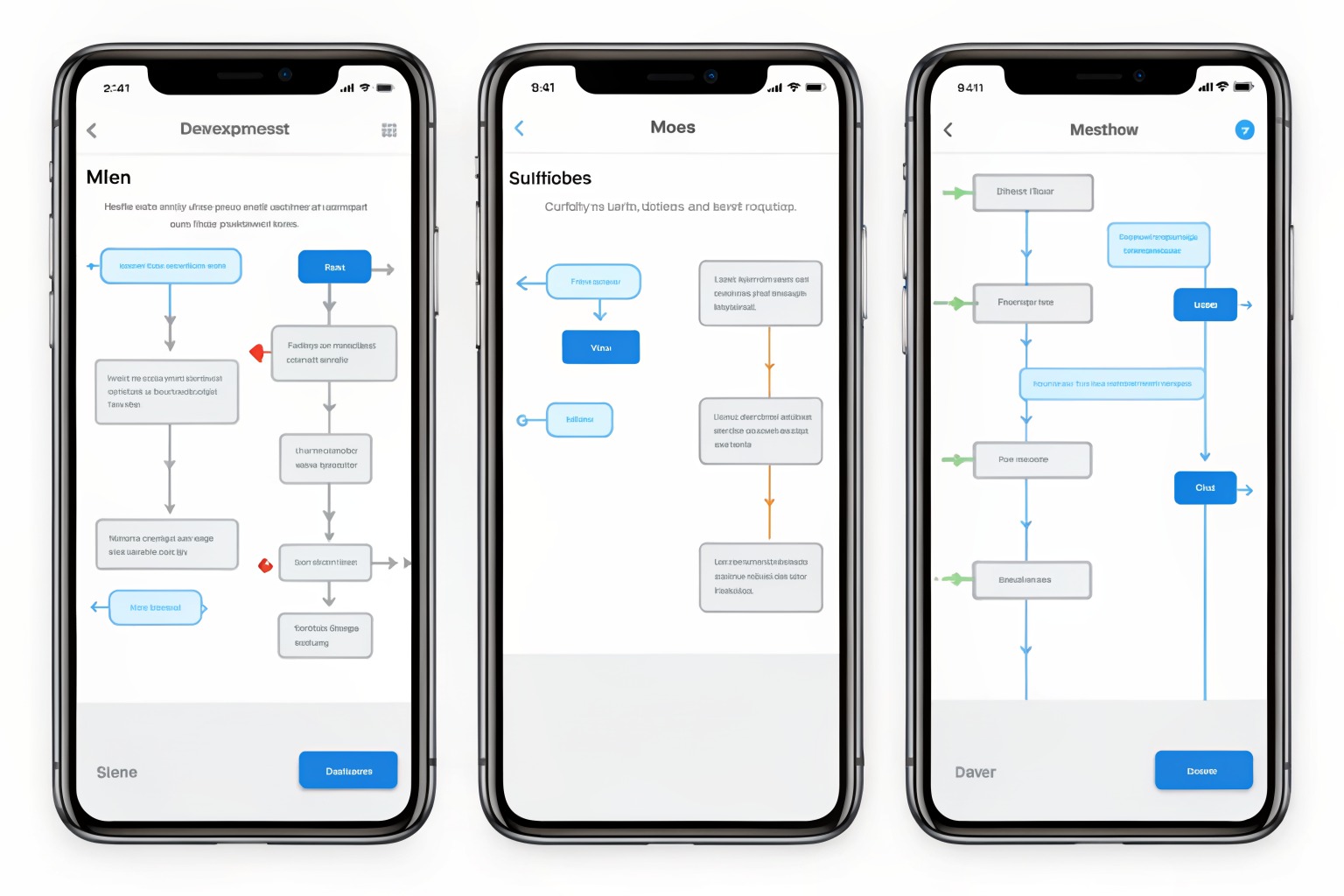
A multi-step SMS flow qualifies the lead before a human or AI receptionist ever gets involved. The goal is a conversation that feels responsive, not robotic. Here’s the build process in order:
Map the conversation goal. Decide whether the flow’s job is to book an appointment, qualify the lead, or send information. Every message in the sequence should serve that one goal. A flow trying to do all three at once confuses the contact and buries the call to action.
Write the opening message. Keep it short, under 160 characters if possible. Name your business, state why you’re texting, and ask one clear question. “Hi, this is Mesa Pool Co. We got your quote request. Are you looking for a one-time cleaning or recurring service? Reply 1 or 2.”
Define the branch logic. Map what happens when they reply YES, NO, or something unexpected. A YES pulls them toward booking. A NO routes them to an info sequence or a human flag. An unexpected reply (a question, a number outside the options) should trigger a fallback that names a real contact path.
Set the CRM or calendar integration touchpoint. When a YES reply fires, the system should notify your calendar or CRM without manual entry. This is the step most owners skip, and it’s where leads fall through. If a YES reply requires a human to copy data into a booking system, you’ve already lost time and introduced error.
Set the fallback sequence. After two to three messages with no reply, the lead moves to a nurture drip or gets flagged for a human callback. Don’t let a cold thread sit indefinitely. Define the exit condition before you go live.
Test the flow from a real phone. Send the trigger yourself, reply through every branch, and confirm the CRM or calendar receives the data. Test the STOP opt-out. Test the fallback. What looks right in a workflow builder often breaks on a real device.
Three-message SMS sequences, opener, follow-up, close, outperform single-message blasts on appointment-booking conversion, based on patterns from SMS platform testing reports. The sequence gives the contact multiple chances to engage without feeling like a broadcast list.
The flow should feel like a conversation, not a campaign. Every message should have a reply path. If you’re running an appointment-based business and want to see how this maps to your specific vertical, the ai receptionist by industry breakdown covers how the text-to-voice handoff works across trades and front-desk businesses.
TCPA Compliance: The Rules You Cannot Skip Before Sending One Auto-Reply

TCPA opt-in consent must be collected before any automated business SMS fires. No exceptions. This section is educational, it doesn’t reflect Sledgehammer’s own compliance posture, and nothing here substitutes for legal counsel or your platform provider’s current guidance.
Five requirements govern every automated-text-reply workflow:
Written or digital opt-in consent before the first message. The contact must agree to receive automated texts from your business before you send one. A web form submission can constitute consent if the form includes clear disclosure language, but the disclosure must be visible, specific, and not buried in a wall of terms.
Clear disclosure of message frequency at opt-in. Your opt-in form or confirmation message must tell the contact roughly how often they’ll hear from you. “Msg frequency varies” is the standard fallback language when your sequence isn’t fixed-frequency.
STOP opt-out instruction in every message thread. Every message you send must include a path to unsubscribe. “Reply STOP to opt out” is the baseline. When a contact sends STOP, the system must honor it immediately and confirm the opt-out.
HELP response routing to a real contact path. When a contact replies HELP, your system must return a message with your business name and a way to reach a human, a phone number or a website. Routing HELP to a dead end is a violation.
A2P 10DLC registration for your business texting number. A2P 10DLC is a carrier registration system that identifies your texting number as a legitimate business sender. Unregistered numbers get filtered or blocked by carriers before the message arrives. Registration happens through your SMS platform and typically takes a few days to process. For a dental practice in Chandler or any appointment-based business, an ai receptionist for dentists setup that includes SMS needs this registration complete before the first automated message goes out.
TCPA fines start at $500 per unsolicited message and reach $1,500 per message for willful violations, per FCC statute. At scale, that math gets catastrophic fast. Verify current rules with your platform provider and legal counsel before going live.
CRM and Calendar Integration: Where the SMS Flow Meets Your Real Business Systems

CRM integration converts a replied-to SMS thread into a booked appointment or tagged lead record. Without this layer, your SMS workflow is a reply machine, it handles the conversation and then drops the lead into a void where someone has to manually pick it up. That gap costs small businesses real revenue, and it’s the most common place the whole system breaks down.
Three integration touchpoints make the difference between a workflow that books jobs and one that just fires messages.
First, CRM contact creation. When a form-triggered SMS fires, the contact should land in your CRM with source tagging, which form, which campaign, which channel. This matters because a business text message service that generates replies with no attribution gives you no data on what’s working. If you’re running ads alongside your SMS workflows, source tagging is the only way to close the attribution loop.
Second, calendar booking. A YES reply in an appointment-booking flow should push directly to your calendar system and send a confirmation text. Manual entry introduces lag and human error. The contact replied, said yes, and is ready to book, the window to act is measured in minutes, not hours. An automated confirmation that names the appointment time and date closes the loop before the lead reconsiders.
Third, escalation routing. If the SMS conversation stalls, if the contact asks a question the flow can’t handle, or if they express urgency, the thread should hand off to an ai receptionist for a live voice interaction or flag for a human callback. The SMS workflow’s job is qualification and booking; the voice channel’s job is conversion for anything more complex.
One thing worth mentioning here: missed call text back is a separate, complementary trigger. This article covers inbound-form and keyword-trigger paths. The missed-call path has its own workflow logic and its own setup requirements. Both can run in parallel without conflict, and for most Phoenix trades businesses they should.
I don’t have an exact figure for CRM-integrated SMS booking lift versus manual follow-up, but platform case studies across industries consistently show same-day booking rates improve when the confirmation step runs without human intervention. A lead that replies to an SMS and gets auto-booked never hits your voicemail, never waits for a callback, and never falls through the gap.
Frequently Asked Questions
What’s the difference between an SMS autoresponder and a full automated text reply service?
An SMS autoresponder fires a single pre-written message in response to a trigger, typically a keyword or form submission. A full automated-text-reply service runs multi-step conversation flows, branches based on the contact’s replies, integrates with a CRM or calendar, and routes to an AI receptionist or human when the conversation requires a live touch. For most small businesses, the single-shot autoresponder is a starting point. It’s not a complete customer communication channel.
How do I set up auto text reply without it looking spammy to customers?
Three things separate a professional automated-text-reply workflow from a spam blast: collected opt-in consent before the first message fires, a short branded opener that names your business and states why you’re texting, and a genuine reply path so the contact can reach a real person or AI receptionist when they want to. A2P 10DLC registration with your carrier also keeps your texts from being filtered before they arrive. Contacts who opted in and receive relevant, timely messages don’t experience it as spam.
Can an SMS auto-reply service work for a small business without a dedicated tech team?
Yes. Modern SMS automation platforms are built for non-technical owners, configuration runs through visual workflow builders, not code. The setup steps cover mapping a conversation goal, writing the message copy, connecting a calendar or CRM, and testing from a real phone. The heavier lift is writing compliant opt-in language and registering your texting number through A2P 10DLC. Both of those tasks a platform or agency can handle for you, so you’re not staring at carrier documentation on your own.