

An AI receptionist is the difference between a booked job and a voicemail nobody checks. 85% of callers who hit voicemail never call back, that number is the gap between what your phone rings and what actually shows up on your calendar. This page covers how the technology works, what setup looks like, and how it stacks up against hiring a human.
Key Takeaways:
- 85% of missed calls never call back, an AI receptionist answers every call, 24/7, including after hours and weekends when most small-business phones go dark.
- The answer-qualify-book workflow runs without a human: the AI takes the call, filters out tire-kickers, and drops the appointment directly into your calendar.
- Plans start at $397/month with a 14-day trial, you can hear exactly how the AI sounds before you spend a dollar by calling (888) 789-8030 right now.
What Is an AI Receptionist, and What Does It Actually Do?
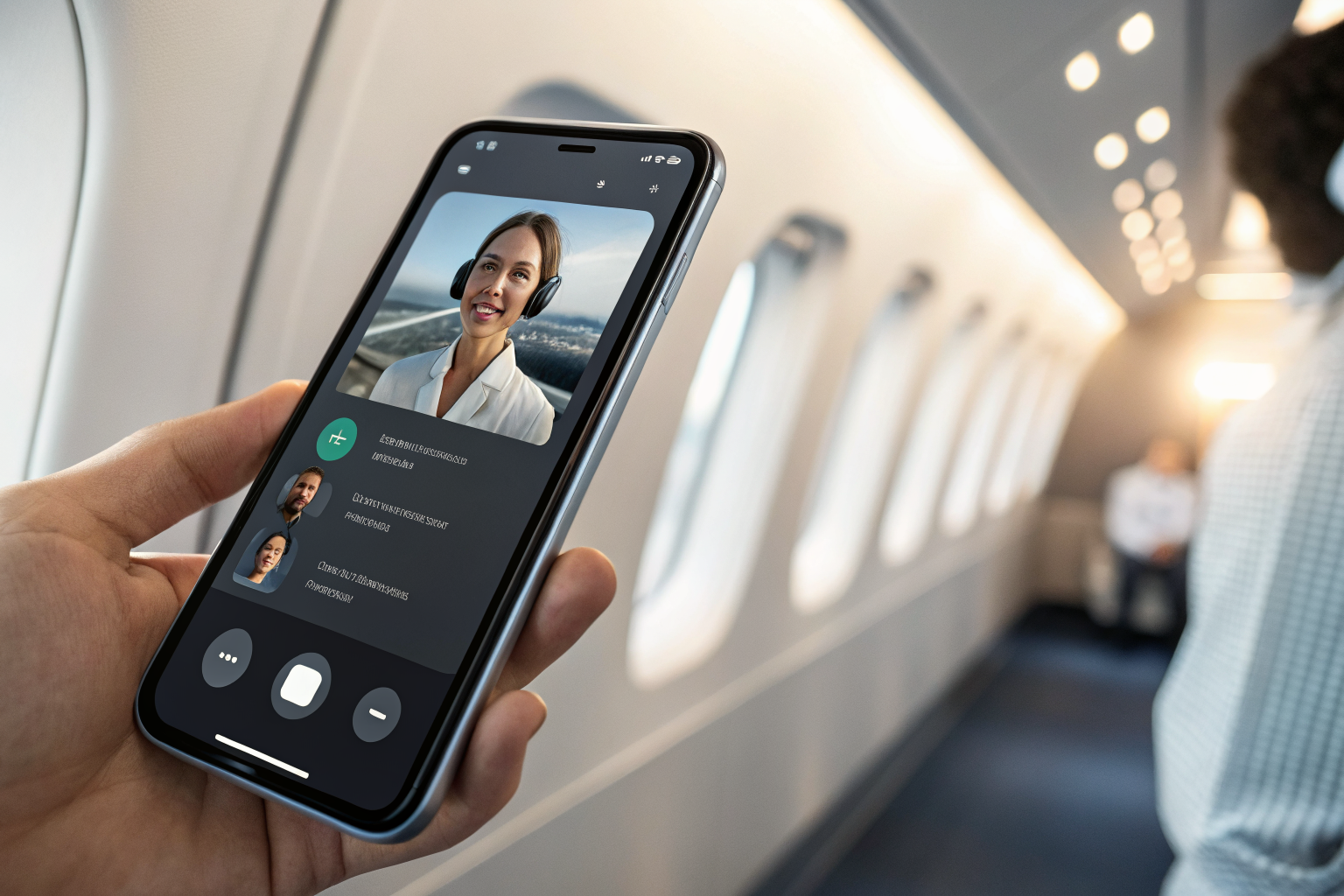
An AI receptionist is voice AI that picks up every inbound call, asks qualifying questions to determine fit, and books the appointment directly into your calendar. This means a customer who calls at 9pm on a Sunday gets the same response as one who calls at 10am Tuesday, a real conversation, a confirmed booking, no voicemail. The output is a booked job or a qualified lead, not a message taken.
That distinction matters. A virtual receptionist is usually a human working remotely, handling calls during a paid shift. An answering service logs messages and routes them to you later. Neither one books the appointment in real time while the caller is still on the phone. The AI receptionist does.
92% of customer interactions happen over the phone. That is where the revenue problem lives for the small businesses we work with, the HVAC owner on a ladder, the salon owner with a client in the chair, the dental office where the front desk is already with a patient. The phone rings. Nobody answers. The caller moves on.
The AI receptionist is built specifically for the phone channel, the inbound voice layer of ai for customer service. It covers the calls that fall through because you are physically unable to answer. Other customer communication channels exist, SMS, webchat, and they layer on top of the voice layer, each handling a different slice of inbound contact. This page covers the voice layer: what the AI does from the moment a call comes in to the moment a job lands in your calendar.
How Does the Answer-Qualify-Book Workflow Work, Step by Step?
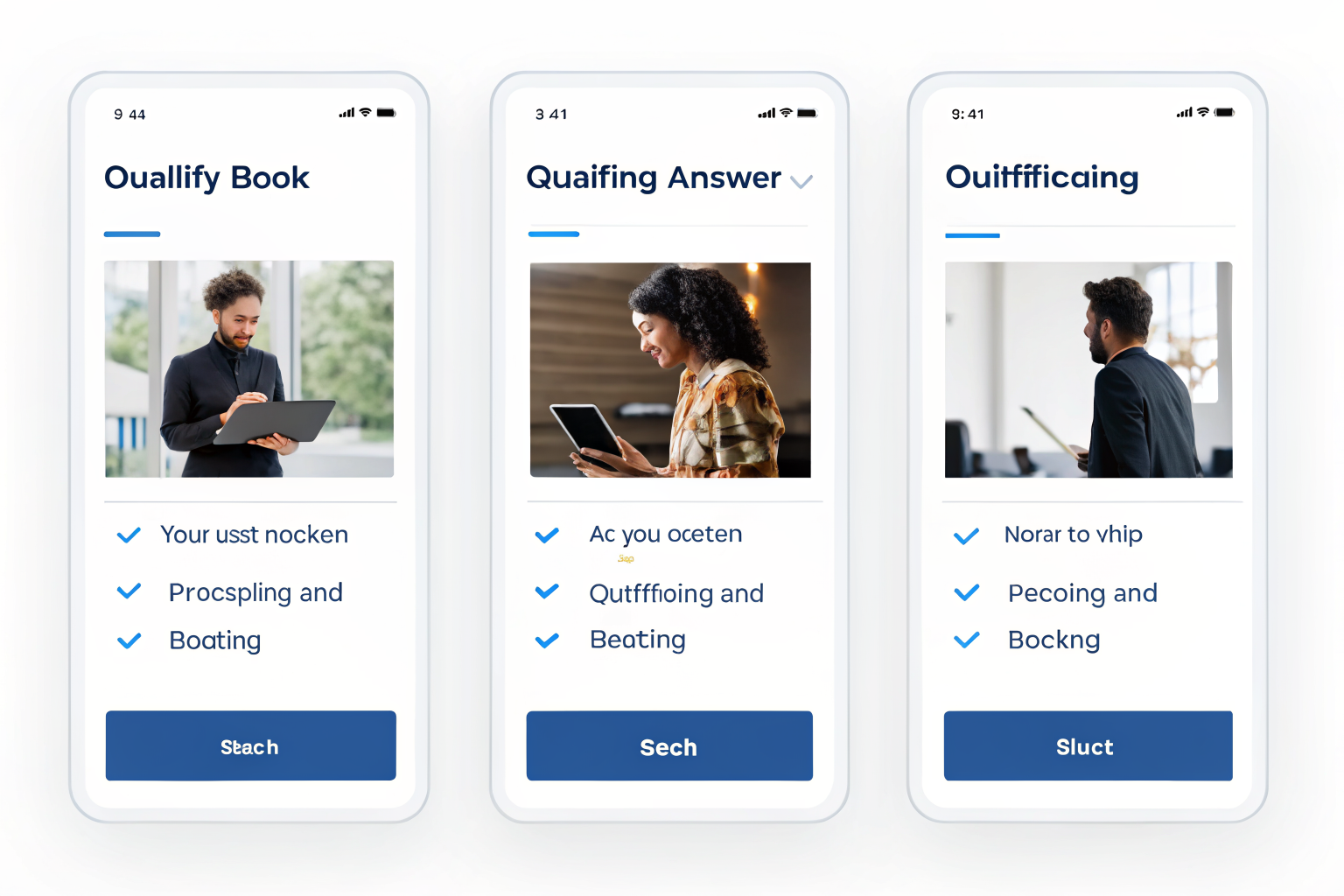
The AI receptionist executes the answer-qualify-book workflow on every inbound call in real time, without human involvement. The sequence is the same at 2pm on a Tuesday and 11pm on a Saturday. Here is exactly what happens:
- The call comes in. The AI picks up within seconds, no hold music, no voicemail prompt, no “please leave a message.” 67% of customers hang up if they do not receive immediate assistance, and the speed of step one is what prevents that loss.
- The AI greets the caller using your business name and your script. The greeting is configured during setup to match your brand, your tone, and the services you offer. It sounds like your business, not a generic call center.
- Qualification questions run. The AI asks what service the caller needs, where they are located, whether the job is an emergency or a scheduled appointment, and any other filters specific to your business. This is where tire-kickers get filtered and real prospects get moved forward.
- For qualified callers, the AI pulls live availability from your calendar. Calendar and CRM integration is the mechanical link that makes this step real. The AI is not promising to call back with times, it is reading your actual open slots and offering them to the caller right now.
- The appointment is confirmed. The caller picks a time, the AI confirms it, and the job is written directly into your calendar and CRM. The caller gets a confirmation text. You see the booked appointment without touching anything.
- For callers who are not a fit or who want a human, the AI routes or flags. If the caller is outside your service area, asking for something you do not offer, or specifically requesting a human, the AI routes the call or creates a callback flag. Nobody falls through without a next step.
The thing most guides miss about this workflow: the calendar integration at step four is not optional infrastructure. Without it, the AI is just a sophisticated message-taker. The direct calendar write at step five is what separates a booked job from a voicemail with slightly better formatting. When you are evaluating any AI answering option, ask specifically how it writes to your calendar, not whether it integrates, the quality of that integration is where the difference shows up.
This workflow connects directly to the broader cost picture covered in our ai automation roi for small business phoenix analysis, the per-call recovery math only works when the booking actually completes in the call, not hours later.
After-Hours Coverage: The Calls That Come In When You’re Off the Clock

After-hours calls represent the highest-loss window for field-service and appointment-based small businesses. The missed-call cost problem is real across all hours, but the after-hours window is where the pain concentrates, because those calls have no fallback at all.
For trades in the Phoenix metro, the pattern is predictable. A plumber gets a call at 7pm about a burst pipe. An HVAC tech gets a call at 10pm in July from a family with no AC. A pool service company gets a Saturday morning call about a green pool before a party. Those callers are not going to wait until Monday. They are going to the next result on Google, and they are booking with whoever picks up. Phoenix monsoon season, running June through September, drives call surges for HVAC and plumbing that hit hardest outside business hours, the emergencies arrive when the temperature does, not when the office is staffed.
For appointment-based businesses, the window is different but the loss is the same. Salon clients browse and book on Sunday evenings. Chiropractic patients decide they need an appointment during their lunch hour, when the front desk is already with someone. Dental offices lose new-patient calls between 12pm and 2pm, the exact window when staff is at capacity. In every case, the caller who hits voicemail is not waiting for a callback, they are booking somewhere that answered.
The AI receptionist runs identically at all hours. No overtime calculation. No “we open at 8am” message. No voicemail. A caller at 11pm on a Saturday has the same experience as a caller at 10am on a Wednesday: the phone is answered, the questions are asked, the appointment is booked.
Missed call text back exists as a secondary safety net for the rare edge case the AI cannot handle, a dropped call, a number outside the system’s reach. It is backup, not the primary solution. The AI answers the call; text-back catches what slips through the cracks. That distinction matters for how you think about coverage: you are not building a text-response workflow, you are building a voice-first system that answers every time.
The after-hours angle connects to the broader question of which business types feel this pain most acutely. If you want to see how the coverage need maps across specific verticals, the ai receptionist by industry breakdown covers that in detail.
AI Receptionist vs. Virtual Receptionist: What’s the Actual Difference?
The AI receptionist costs a fraction of a human virtual receptionist and works more hours without variability or turnover. That is not a knock on human receptionists, it is math. Phoenix receptionist wages run $30,000 to $42,000 per year. That is the salary-math denominator that makes the $397/month pricing anchor concrete: you are comparing roughly $4,764 per year against $30,000 to $42,000, and the AI does not call in sick.
| Feature | AI Receptionist | Human Virtual Receptionist |
|---|---|---|
| Availability | 24/7, including nights, weekends, holidays | Business hours or shift-based; overtime costs extra |
| Annual cost | Plans from $397/month (~$4,764/year) | $30,000–$42,000/year in Phoenix (salary + benefits) |
| Consistency | Follows the script exactly on every call | Variable by individual, mood, and experience level |
| Booking capability | Writes confirmed appointments directly to calendar in real time | Takes a message or uses a separate tool; booking may happen later |
| Simultaneous calls | Handles multiple calls at the same time | One call at a time |
| Setup time | Live in days | Weeks of hiring, onboarding, and training |
| Turnover | None | The Valley’s receptionist market is competitive; turnover is real |
The table above covers the mechanical differences. The searcher question underneath it is usually: “Will the AI actually do the job, or will my customers hate it?” That is a fair question, and the FAQ section below addresses it directly.
Hybrid setups are common and often the right call. The AI handles the volume, every call, every hour. A human handles escalations, complex situations, and the callers who specifically want a person. You get coverage without paying for 24/7 human labor, and your human staff focuses on the work that requires judgment rather than answering the phone for the twelfth time today.
The cost comparison above is one input into a broader ROI calculation. A marketing automation agency perspective on the full picture, including what recovered calls are worth in booked revenue, gives you the denominator for whether the monthly cost makes sense for your business.
What Does Setup Look Like, and How Fast Can the AI Answer Your Phones?

Sledgehammer Intelligence installs and tunes the AI receptionist so you do not manage the technology. This is not a SaaS login-and-figure-it-out situation. We configure it, test it, and hand you a working system. Here is what the process looks like:
- Intake call. We capture your business name, the services you offer, your booking rules, your qualification questions, and any specific handling instructions (emergency routing, geographic filters, service exclusions). This is where the AI gets your script.
- Configuration. The AI is built with your greeting, your qualification flow, and your calendar integration. We connect it to the booking tool you already use so appointments write directly without a separate step.
- Test calls. Before anything goes live, we run calls through the system to verify the flow sounds right, the qualification questions work, and the calendar write completes correctly. You hear it before your customers do.
- Go-live. Your number is ported or forwarded, and the AI starts answering. From this point, every inbound call goes through the system.
The timeline from intake to live is days, not weeks. It varies by how complex your qualification flow is and how quickly we can complete the calendar integration, but there is no hiring process, no training ramp, no probationary period.
The 14-day trial is the risk-removal mechanism. You do not commit to a long contract before you know it works for your business. Plans start at $397/month, and the trial gives you real call volume to evaluate against.
Before you start the setup conversation, call (888) 789-8030 right now. That is our AI answering a real call. You will hear what your customers would hear. No demo video, no screenshot, an actual call you can make in the next 30 seconds.
For businesses that want to understand the full channel picture beyond voice, the conversation about sms auto reply for business and business text message service options makes more sense after you have the voice layer covered. Voice is where the volume is. SMS handles the follow-up and the callers who prefer text. An ai chatbot for customer service on your website catches the visitors who never pick up the phone. The AI receptionist is the foundation; the other channels build on top of it.
Frequently Asked Questions
Will an AI receptionist sound human to my customers?
Modern voice AI sounds natural, but do not take our word for it, call (888) 789-8030 right now and have the same conversation your customers would have. Most callers do not realize they are talking to AI when the script is tuned correctly for the business. The honest answer: some callers will figure it out, which is why the AI is scripted to handle that question directly rather than dodge it.
Can an AI answering service handle emergency calls?
Yes. The AI receptionist identifies emergency calls through the qualification questions and routes them immediately, either booking the emergency slot in your calendar or flagging for a human callback right away. For trades like HVAC and plumbing, the AI is scripted to distinguish a true emergency (no AC at midnight in July) from a standard scheduled job and respond to each accordingly.
Does the AI receptionist work with my existing calendar and booking software?
Calendar and CRM integration is core to the answer-qualify-book workflow, without it, the AI is taking a message with extra steps. Sledgehammer configures the AI to read availability from your calendar and write confirmed appointments directly into it, so the booked job appears without you touching anything. The specific platforms supported are confirmed during the intake call before setup begins.