

AI for customer service is the reason small businesses stop losing jobs to voicemail. 85% of the callers you miss never call back, and every one of those is a job that went to the next guy on Google. This guide covers every channel, the cost math, and exactly how to get started.
Key Takeaways:
- 85% of missed calls never call back, AI answering services recover those calls around the clock without adding headcount.
- A full-time Phoenix receptionist costs $30,000–$42,000 per year; AI customer service automation starts at $397/month.
- AI for customer service covers five channels: voice, SMS, webchat, social ad response, and appointment booking, all running 24/7 while you work.
What Is AI for Customer Service, and Why Does It Matter for Small Businesses?

AI customer service automation is software that handles inbound calls, texts, and chat inquiries without human staff. This means a small business owner on a job site, in a treatment room, or off the clock gets every caller answered, every lead qualified, and every appointment booked, without picking up the phone. For example, a pool service owner gets a call at 7 PM on Friday; the AI answers, collects the details, and books the Saturday visit. The owner sees the booking in the morning.
The core problem is simple. Most small business owners can’t physically answer the phone while they work, and they can’t afford a full-time receptionist to do it for them. The phone rings, it goes to voicemail, and 85% of those callers never call back. Meanwhile, 92% of customer interactions happen over the phone, which means the phone is not a secondary channel, it’s the primary revenue line.
AI automation services cover the full channel picture: voice (an AI receptionist that picks up every call), SMS (automated follow-up and inbound text handling), webchat (a 24/7 agent on your website), and appointment booking that ties directly to your calendar. Each channel represents a different place where a lead can fall through the cracks, and each one has a corresponding AI tool.
This is not the robotic IVR menu from 2005. An AI receptionist today answers with your business name, identifies what the caller needs, asks your qualifying questions, and books the appointment. A missed call text back fires a follow-up SMS for the rare call that slips through, but that’s the safety net, not the primary fix. The primary fix is answering every call.
The full guide below covers what each tool does, what it costs compared to hiring staff, how the actual call flow works, what customers think about it, and what compliance basics you need to know before you turn it on.
The Missed-Call Problem: What It Actually Costs You

A plumber under a sink cannot answer the phone. An HVAC tech inside an air handler cannot answer the phone. A salon stylist with scissors in a client’s hair cannot answer the phone. This is not a process failure, it’s physics. The job requires both hands and full attention, and the phone rings anyway.
So the call goes to voicemail. Here’s what happens next: 67% of customers hang up the moment they hit voicemail rather than leave a message. Of the small fraction who do leave a message, 85% of missed calls overall never call back at all. They open Google, find the next business in the list, and call them. That business answers. That business gets the job.
The revenue math is not complicated. If an average job is worth $400 and you miss 10 calls a month, that’s $4,000 in lost revenue per month, $48,000 per year. The true cost climbs higher still once you factor in the repeat business and referrals those customers would have generated. The exact number varies by industry and average job value, but the direction is always the same: missed calls are an expensive, invisible leak.
Most owners don’t know how bad it is because the only record of a missed call is a voicemail, and if the caller hung up before leaving one, there’s no record at all. You’re measuring a problem with a broken instrument.
After-hours call handling is where the gap gets brutal. The majority of service inquiry calls come between 6 and 9 PM, after the owner has stopped work for the day and well after any answering service is staffed at full capacity. That’s peak consumer availability, people home from work, finally able to call the plumber, the HVAC company, the salon. Those calls hit voicemail at the worst possible time, when the consumer has the most alternatives and the most patience for shopping around.
Voice AI call handling closes this gap directly. The AI picks up at 7 PM, at 11 PM, on Sunday morning, during the Phoenix monsoon season when AC units fail at 10 PM and every HVAC owner in the Valley is fielding emergency calls. The AI answering service has no off-hours, no sick days, and no capacity ceiling.
Missed call text back exists as a fallback for the rare call that still doesn’t get answered, a brief automated SMS that fires back to the caller’s number and keeps the lead warm. The right framing for that tool is exactly what it is: a safety net. The goal is to never need it, because the AI receptionist answers every call. For businesses evaluating an answering service in Phoenix or anywhere in the Valley, the question to ask any vendor is not ‘what happens when a call is missed’ but ‘how often does a call get missed at all.’
What Are the AI Tools for Customer Service? A Channel-by-Channel Breakdown

AI customer service tools cover five distinct communication channels for small businesses. Understanding the channel map matters because the right starting point depends on where your leads come from, and most businesses bleed revenue from one channel far more than the others.
| Channel | AI Tool | What It Does | Best For | Limitation to Know |
|---|---|---|---|---|
| Voice | AI receptionist / AI answering service | Answers every inbound call, greets caller by business name, identifies need, qualifies lead, books appointment, sends confirmation | Any business that gets phone calls, trades, salons, dental, law, medical | Complex multi-step disputes and emotionally charged situations benefit from human handoff; the AI routes these |
| SMS (inbound) | AI SMS | Responds to inbound text inquiries, answers questions, follows up with leads automatically | Businesses where customers text instead of call, or where follow-up cadence matters for lead conversion | Not a substitute for voice on high-urgency inquiries; some callers still expect a phone answer |
| Missed-call fallback | Missed call text back | Fires an automated SMS when a call goes unanswered, keeps the lead warm, offers next steps | Safety net for the rare call the AI can’t take, not the primary system | Treats the symptom; the AI receptionist answering the call is the cure |
| Webchat | AI webchat | Handles website visitors 24/7, captures lead info, answers FAQs, routes to booking | Appointment-based businesses getting organic search traffic, med-spas, dental, salons, law firms | Visitors who want a phone call still need voice coverage; webchat alone isn’t enough |
| Social ad response | Meta Ad Integration | Captures and qualifies leads from Facebook and Instagram ads before they go cold | Businesses running paid social ads where lead response speed determines conversion | Requires active ad spend to generate the leads; no ads, no leads to capture |
Most small businesses don’t need all five channels on day one. Start with voice. It’s the biggest revenue leak for most owners, every plumber, HVAC tech, pool service operator, and salon owner reading this already knows it. The AI receptionist for salons, for example, captures the Friday-night booking request that comes in after the front desk goes home, something a webchat widget alone can never cover.
Add channels as the business grows. A trades company might run voice plus missed call text back for the first six months, then add AI SMS when the call volume justifies it. A medical spa might start with voice and webchat together, given the mix of phone inquiries and website traffic they typically get.
93% of people read online reviews before purchasing, meaning the experience a caller has with your AI directly shapes your reputation. A caller who gets answered, helped, and booked tells a different story in a Google review than one who hit voicemail at 7 PM.
The ai receptionist cost question comes up immediately when business owners see this channel map, and the next section runs that math in full.
AI vs. Hiring Staff: The Cost Math Small Business Owners Actually Need

AI customer service automation costs a fraction of a full-time receptionist while working 24 hours a day. The math is not close.
A Phoenix receptionist earns $30,000–$42,000 per year in base salary, according to BLS market data for the metro area. Add employer payroll taxes (roughly 7.65% for FICA alone), health insurance contribution, PTO accrual, and the training time every new hire requires. That front desk employee costs somewhere between $2,500 and $3,500 per month all-in, and that figure assumes zero turnover. Front-desk turnover in service businesses runs high, every new hire resets the training clock and leaves a gap in coverage during the search.
For that cost, you get a person who works 40 hours a week, takes lunch, calls in sick, and is definitionally unavailable at 9 PM on a Tuesday when an emergency HVAC call comes in.
| Category | Human Receptionist | AI Receptionist |
|---|---|---|
| Annual Cost | $30,000–$42,000+ salary, plus benefits and payroll tax | Plans start at $397/month (~$4,764/year) |
| Hours of Coverage | 40 hrs/week, Mon–Fri, business hours only | 24/7/365, including nights, weekends, and holidays |
| Sick Days / Turnover Risk | Yes, and replacement cost runs 50–200% of annual salary | None |
| After-Hours Coverage | Requires separate answering service or goes to voicemail | Included, same system |
| Appointment Booking | Yes, during staffed hours | Yes, around the clock |
| Scalability | Add headcount, add cost | Handles call volume spikes without added cost |
| Emotional Complexity | Handles nuanced, relationship-dependent situations well | Routes complex complaints and upset callers to a human |
The honest caveat sits in that last row. AI customer service does not replace human judgment for emotionally complex situations. A client threatening to leave, a patient with a serious complaint, a customer who needs relationship repair, those conversations belong with a person. The right model for most small businesses is both: the AI handles the volume (routine inquiries, after-hours booking, lead qualification), and a human handles the exceptions. That’s not a compromise; that’s good operations.
For a trades owner or front-desk business in the Phoenix metro, the comparison worth making is not ‘AI vs. a great receptionist.’ The real comparison is ‘AI vs. voicemail at 8 PM.’ No staff member is answering that call. The AI is.
For a deeper look at what drives pricing across different vendors and configurations, the ai receptionist cost breakdown covers the specific variables, call volume, channel mix, and what separates the budget options from the full-service builds.
How Does AI Handle Lead Qualification and Appointment Booking?

The AI receptionist qualifies leads and books appointments without any human involvement. Here’s what that looks like in practice, step by step.
The call comes in. The AI answers within two rings, greets the caller with your business name, and opens the conversation naturally. Modern voice AI is far better than the IVR phone-tree menus most people remember, but the honest proof is not a claim, it’s a demo. Call (888) 789-8030 and have the conversation yourself.
The AI identifies the reason for the call. Repair request. Quote inquiry. Appointment request. Existing customer follow-up. Most inbound calls to small businesses follow three to five predictable paths, and the AI routes each one correctly based on what the caller says.
Lead qualification happens in real time. The AI asks the questions you care about: service type, location, urgency, budget range if relevant. A pool service company might qualify on pool size and last service date. An HVAC company might qualify on unit age and whether it’s a repair or replacement inquiry. You define the questions; the AI asks them.
Appointment booking connects to your calendar. The AI accesses your available slots and offers them to the caller. The caller picks a time, confirms the details, and gets a confirmation text. No back-and-forth, no hold music, no callback required.
You get notified. A summary lands in your system: caller name, number, appointment time, service type, and any flags the AI noted during the call. You walk in the next morning and the Saturday visit is already on the calendar.
Escalation routes to a human. Complex complaints, callers who are upset, or anything that falls outside the AI’s defined scope gets routed to a live person or scheduled as a callback. The AI handles the routine 80%; your team handles the other 20%.
Here’s the before and after. A pool service owner used to miss every Friday-evening call during swim season. Callers hit voicemail, most didn’t leave a message, and the owner found out about the missed job when the neighbor’s pool turned green and someone mentioned they’d called. After adding the AI receptionist, a call comes in at 7:04 PM on a Friday. The AI answers, qualifies the caller, and books a Saturday morning visit. The owner sees the booking when he wakes up. The caller tells the neighbor, who calls the same number.
The script is yours. The AI is not a generic bot, it’s tuned to your business, your terminology, your qualifying criteria, and your calendar. That’s what separates a real AI answering service from a phone tree.
Will Customers Hang Up on an AI? The Trust and Human Handoff Question
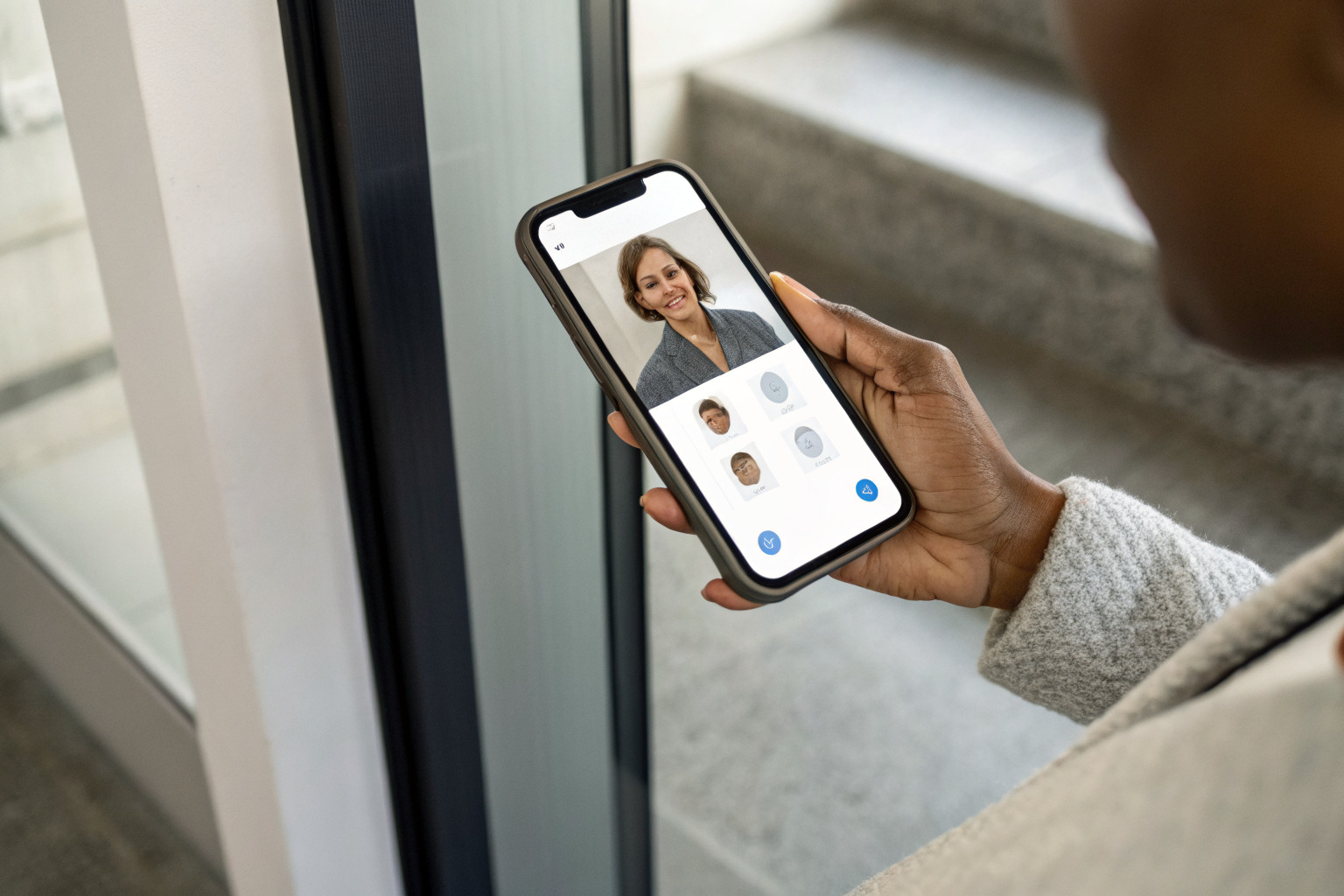
Customer trust in AI receptionists depends on call quality, transparency, and the availability of human escalation. This is worth addressing without spin.
The objection is real. A Reddit thread asking ‘Anyone else hang up when the receptionist is AI?’ pulled 164 upvotes. That’s a mainstream reaction from real consumers, not a fringe opinion. Dismissing it does nobody any favors.
But the comparison that matters is not ‘AI receptionist vs. human receptionist.’ For most small businesses, the actual alternative is voicemail. A caller who stays on the line with an AI, gets their question answered, and books an appointment is a converted lead. A caller who hits voicemail at 7 PM and hangs up without leaving a message is a lost job. 67% of customers hang up when they don’t receive immediate assistance, meaning the AI that answers beats the human line that rolls to voicemail every single time.
Three factors determine whether a caller trusts the AI enough to complete the call.
First, voice quality. Modern AI voice is a significant improvement over the flat, robotic IVR menus people spent the 2000s pressing ‘1’ to escape. The gap is real and it matters. The only way to know what the current technology actually sounds like is to call a live system. Our demo line at (888) 789-8030 is exactly that, call it, have the conversation your customers would have, and form your own opinion.
Second, transparency. Some businesses tell callers upfront that they’re speaking with an AI. This approach builds trust with certain caller demographics, particularly in professional service contexts like legal or medical-adjacent businesses where patients and clients are paying attention to how their information is handled. The right disclosure posture depends on the business and the caller base. What you should never do is claim the AI is indistinguishable from a person, that’s both inaccurate and the wrong goal.
Third, human handoff. Every well-built AI answering service has a clear escalation path. A caller who’s angry, confused, or dealing with something complex gets transferred to a person or offered a scheduled callback. The AI’s job is the routine volume: booking, qualifying, answering FAQs. The 20% that needs a human gets a human. Businesses comparing options like Smith.ai vs Ruby Receptionist versus a pure AI build often land here, the question is how the escalation is handled and who’s on the other end.
The honest position: AI voice AI call handling has gotten good enough that most routine calls go fine. The callers who object most strongly tend to be the ones who reach a bad IVR system at a telecom company, not a tuned AI receptionist at a local business that sounds like it works for that company. Context and quality matter more than the technology category.
Compliance Basics: What Small Businesses Need to Know About TCPA and Consent

TCPA compliance requires written or verbal consent before automated SMS or calls are sent to customers. Get this wrong and the fines are not theoretical, they reach $1,500 per individual violation for willful non-compliance under 47 U.S.C. § 227.
This section is educational. It covers what the rules are, not what any specific vendor’s compliance posture is. For your specific situation and how you plan to use AI SMS, missed call text back, or an AI answering service, get legal advice.
For more detail on the regulatory picture, the full AI receptionist compliance guide covers state-by-state nuances and the specific scenarios where businesses most often run into trouble.
TCPA governs automated calls and texts. The Telephone Consumer Protection Act restricts autodialed calls and automated text messages to consumers. Violating it carries fines up to $1,500 per message for willful violations, and class action exposure means a single bad outbound campaign can cost a small business its existence.
SMS consent must come before the text, not after. Businesses need prior written consent before sending automated texts. Missed call text back is generally covered when the original caller initiated contact and consent can be documented at inquiry, but cold outbound SMS to purchased lists without prior consent is a TCPA violation regardless of the tool sending it.
A2P 10DLC registration is not optional if you’re texting at volume. Businesses sending automated texts from a 10-digit local number need to register their messaging campaign through the A2P 10DLC system. Unregistered numbers face carrier filtering, your texts don’t reach the recipient, and you don’t always know they didn’t. Registration is a process, not a fee.
Arizona call recording: one-party consent state. Arizona requires only one party to a call to consent to recording. Most AI answering systems announce recording at the start of the call, which satisfies this requirement. If you’re doing business with callers in other states, check those states’ rules, Illinois and California, for example, require all-party consent.
Medical and dental businesses: HIPAA warrants its own review. If your business handles protected health information, you need to verify that any AI customer service tool you deploy handles data appropriately. Appointment booking systems that touch patient information fall into a different risk category than a plumbing company’s call log. Consult legal counsel before deploying in this vertical.
The pattern across all five points is the same: consent, documentation, and knowing which rules apply to your state and business type. AI customer service tools don’t create these obligations, the obligations exist whether you’re using AI, a human answering service, or a spreadsheet. The tools just put the question in front of you.