
An AI receptionist for dentists solves the exact problem dental offices lose revenue to every evening: a new patient calls at 6:45 PM, gets voicemail, and books with the practice two miles away. That one missed call costs you roughly $850 in first-year revenue before you even know the phone rang.
Key Takeaways:
- New dental patients are worth roughly $850 in first-year revenue, a single missed call at the wrong moment erases that entirely.
- Dental front desks juggle check-ins, insurance calls, and recall scheduling simultaneously; the phone loses every time a patient is standing at the counter.
- An AI receptionist for dentists answers every call 24/7, books new and existing patients, and connects to Dentrix, Eaglesoft, and other practice management software without replacing your existing workflow.
The Dental Front Desk Multitasking Problem, and What It Actually Costs You

Dental front desk multitasking is the condition where one staff member must simultaneously check patients in, verify insurance eligibility, and answer the phone. This means the phone loses every time a patient walks through the door, because a human being cannot do all three at once without dropping one. At 9 AM on a Monday when six hygiene patients arrive at the same time, the phone is the thing that gets dropped.
That gap has a price. A new dental patient generates roughly $850 in first-year revenue when you account for the initial exam, X-rays, cleaning, and the treatment plan that follows. Practices that track their new-patient call conversion know this number; most just don’t connect it to the receptionist who was helping someone at the counter when the call came in.
The deeper problem is the callback rate. 85% of missed calls never call back. A prospective patient who hits voicemail at 6:45 PM doesn’t leave a message and wait, they scroll to the next practice on Google and book there. The dental office never knew the call happened, never knew what it cost, and has no way to recover it.
This is categorically different from the generic missed-call problem covered in broader guides on AI for customer service. The dental front desk isn’t missing calls because staff are lazy or undertrained. They’re missing calls because in-office patient care physically occupies the same person the phone needs. The multitasking conflict is structural, and it cannot be solved by hiring faster or by training harder. It gets solved by removing the phone from the front desk’s task list during chair-side hours.
What Does an AI Receptionist for Dentists Actually Do?

A dental AI receptionist handles the call volume that front desk staff cannot reach during in-office hours and that nobody covers after the office closes. The jobs it takes on are specific to dental workflows, not a generic call-answering layer.
- Answers calls after hours and during chair-side time. When your front desk is checking in a patient or running an insurance eligibility check, the AI picks up the incoming call immediately. 67% of callers hang up if they don’t get immediate assistance, so the speed of answer matters as much as the answer itself.
- Books new patient appointments with intake questions. The AI collects the patient’s name, contact information, reason for visit, and insurance information during the booking call. That intake data goes to the front desk before the appointment, not during it.
- Handles existing patient recall and hygiene reminders. When a patient calls back after receiving a recall reminder, the AI books the hygiene appointment and updates the schedule. This is distinct from new-patient booking and requires its own configuration, more on this in the next section.
- Routes urgent calls to the on-call dentist or emergency line. After-hours calls that involve pain, swelling, a lost crown, or a broken appliance get identified as urgent and routed to the dentist’s emergency contact. The AI does not triage symptoms or give clinical guidance; it routes the call to the right person.
- Answers common FAQs. Insurance plans accepted, office hours, parking, directions, whether the practice is taking new patients, the AI handles these without pulling a staff member away from a patient in the chair.
The recall workflow is where a generic AI answering service falls short for dental. An answering service for medical offices handles messages; a dental AI receptionist books the appointment in the schedule. The difference between those two outcomes is the recurring revenue stream that keeps a practice’s hygiene department full.
Recall and Hygiene Scheduling: The Revenue Stream Most AI Tools Miss

Recall and hygiene scheduling generates predictable recurring revenue for dental practices in a way that new-patient acquisition does not. A practice with 1,500 active patients and a well-run recall system has a baseline of booked hygiene appointments weeks out. A practice with a broken recall system has a hygiene department running at 60% capacity and no clear way to diagnose why.
Recall scheduling is categorically different from new-patient booking. New-patient booking requires collecting information from someone who has never been to your practice. Recall scheduling requires knowing when the patient was last seen, what interval they’re on (six months for most adults, three or four months for perio maintenance patients), and whether their appointment fits the right provider’s schedule. An AI that only handles new-patient calls misses a significant share of a dental office’s total inbound call volume.
Based on practice management industry reports, hygiene recall visits account for a substantial portion of a dental practice’s total revenue. When a recall reminder goes out by text or email and the patient calls back to book, that callback is a revenue event. If the callback hits voicemail at 5:30 PM, the patient reschedules for a later time mentally, or forgets to call again, and the hygiene chair sits empty.
A dental AI receptionist handles this inbound recall callback: it confirms the patient’s identity, offers available hygiene appointment times, and books the visit in the schedule. It does not pull clinical records or determine the correct recall interval. Those decisions stay with the clinical team. The AI is the response layer that converts the callback into a booked appointment before the patient’s window of intention closes.
This is also where AI SMS fits into the picture. A business text message service can handle the outbound recall reminder and then route the reply conversation to the AI for booking, closing the loop from reminder to booked appointment without front desk involvement.
Does the AI Receptionist Connect to Dentrix, Eaglesoft, or Open Dental?
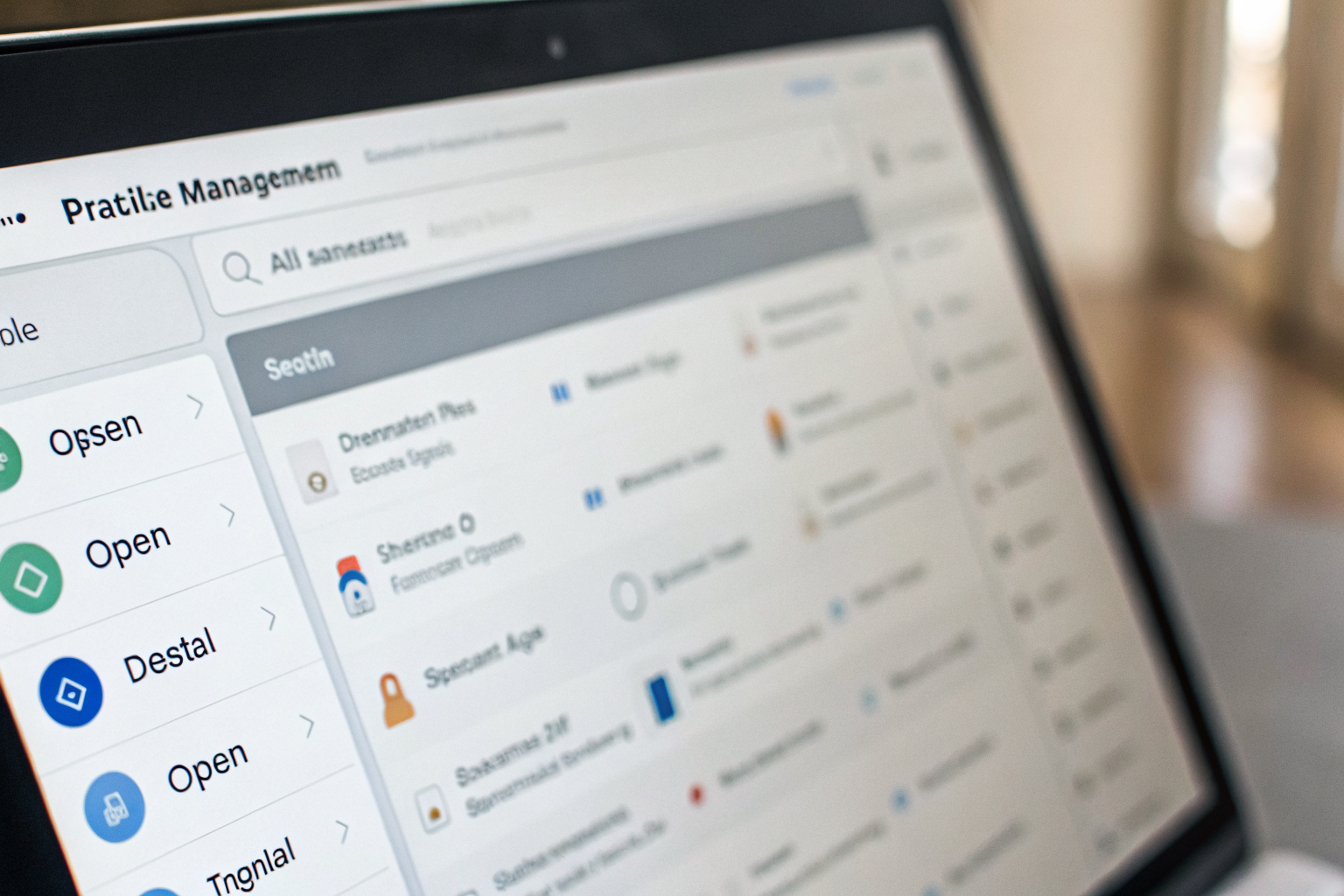
Practice management software integration determines whether AI-booked appointments land in the correct schedule or create a separate confirmation step for the front desk to manage manually. This is the question dental office managers ask before everything else, and the answer depends on which platform the practice runs.
Dentrix, Eaglesoft, and Open Dental cover the majority of US dental practices, though exact market share figures vary by source and should be verified at the time of implementation. Each platform has different API access policies and integration pathways.
| Platform | Integration Method | What AI Confirms at Booking | Known Limitations |
|---|---|---|---|
| Dentrix | Calendar sync via API (where available) or front desk notification | Appointment date, time, provider, patient contact info | Direct API access depends on Dentrix version and practice configuration; some practices require manual confirmation step |
| Eaglesoft | Calendar sync or notification to front desk | Appointment date, time, new patient intake data | API access is limited in older versions; real-time schedule write depends on integration setup |
| Open Dental | Direct API integration available (open-source architecture) | Appointment date, time, patient record match for existing patients | Clinical record access is excluded; scheduling data only |
Where direct integration isn’t available, the fallback is a front desk notification: the AI collects the booking details, sends a structured alert to the practice, and the front desk confirms the appointment in the software. The patient receives a confirmation message. That’s a manual step, but it still beats a voicemail that goes unchecked until morning.
One note on data handling: the AI manages scheduling information, not clinical records. Patient health information stays inside the practice management system. How the practice configures the AI’s data handling should align with their own PHI policies. Sledgehammer Intelligence does not make HIPAA compliance claims on behalf of clients; that determination is the practice’s responsibility.
If your practice is evaluating costs alongside this integration question, looking at live answering service pricing models alongside AI options gives you a useful baseline for comparison.
What Does Switching to an AI Dental Receptionist Actually Look Like?
Setup for a dental AI receptionist takes days, not months. The process is specific to how dental offices receive and route calls, it isn’t the same as a generic phone tree configuration.
- Map your practice’s call types. Identify the categories of calls your front desk actually receives: new patient inquiries, recall booking, emergency calls, insurance questions, directions and hours, and any practice-specific categories like Invisalign consultations or sedation inquiries. This mapping drives everything else.
- Configure the AI’s scripts to match your practice’s voice and insurance list. The AI learns your accepted insurance plans, your providers’ names, your office greeting, and the intake questions you need answered before a new patient appointment. The scripts sound like your practice, not a generic phone system.
- Connect to your calendar or practice management system. Based on your platform (Dentrix, Eaglesoft, Open Dental, or another system), the integration team sets up the appointment booking pathway. You’ll know this step worked when a test call results in a correctly booked appointment or a correctly formatted front desk notification.
- Set emergency routing rules for after-hours urgent calls. Define what triggers an emergency route: dental pain, swelling, trauma, lost restoration. The AI identifies those keywords and routes the call to the dentist on call or delivers the emergency callback message. This step is non-negotiable before go-live.
- Go live with the AI answering every call. The front desk shifts from answering the phone during patient interactions to reviewing booked appointments and managing the schedule. Calls that previously hit voicemail now produce bookings.
The thing that catches practices off guard: they expect to need a long configuration period to get the scripts right. The first version is functional within days. Refinement happens in the first two weeks as real call patterns surface edge cases the initial mapping didn’t capture.
Plans start at $397/month with a 14-day trial. See current plans at sledgehammerintelligence.com/pricing. And before you buy anything, call (888) 789-8030 and talk to the AI yourself, that’s exactly what your patients would experience.
For practices in the East Valley, the AI receptionist for Chandler dental offices and surrounding areas is the same product, configured for your specific location and schedule. Multi-location groups in Gilbert, Scottsdale, and Mesa run the same setup process per location.
Frequently Asked Questions
Can an AI receptionist handle dental emergency calls after hours?
Yes, within a clear boundary. The AI answers the call, identifies the urgency based on what the caller describes, and routes it to the dentist’s emergency line or delivers an emergency callback message. It does not assess symptoms or give clinical guidance. The routing rules are set during the configuration step so every after-hours emergency reaches the right person without going to voicemail.
Will patients know they’re talking to an AI when they call my dental office?
Some patients will recognize it; many won’t on the first exchange. Modern AI receptionists handle common dental intake questions fluently and transfer to a human staff member when the conversation requires one. The more relevant question is whether patients care. Most callers want their appointment booked quickly. A patient who gets their hygiene appointment scheduled on the first call at 7 PM is not thinking about whether a person or an AI took the call.
Does a dental AI receptionist work for a multi-location practice?
Multi-location dental groups run an AI receptionist across all locations, with each location configured separately for its own schedule, providers, and accepted insurance list. Calls route to the correct location’s calendar, and after-hours coverage applies across the whole group without adding front desk headcount at each site. This is also where the comparison to ai receptionist for law firms is instructive, multi-location professional offices have the same configuration need, and the setup approach is the same.